How to use at Mac Mail
- Add an account from "Mail" → "Account".
※Depending on the version of Mac Mail, it may differ from the screen below.
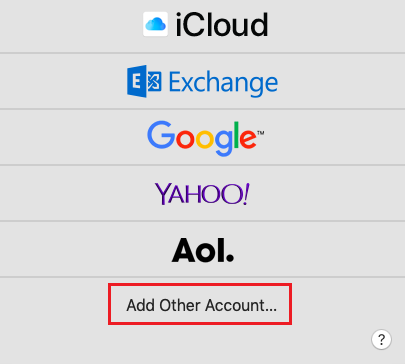
- Select the provider of the mail account.
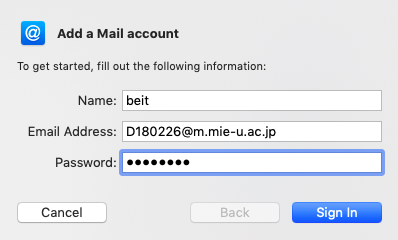
- Add an email account.
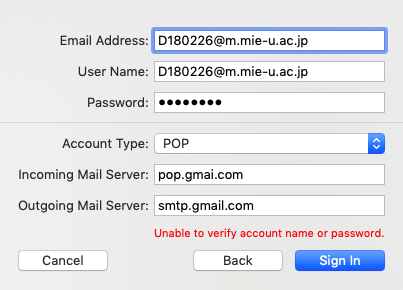
- Enter the account type, incoming mail server, outgoing mail server.
Please enter the emai address "student-ID@m.mie-u.ac.jp" as the user name, and the password of the unified account as the password.
* In addition to the above setting method, it is possible to set it even if you select "Google" in step 2.